Are you developing a new front-end web application and considering which framework to use? React JS is a
popular option, but you may be wondering why it stands out from other frameworks. In this post, we'll
explore why you should choose React App for your web development needs.
React's component-based architecture allows for reusable and maintainable code, making it easier to
manage
complex projects. This also allows for easier testing and debugging, as each component can be isolated
and
tested individually.
React uses a virtual DOM, which allows for faster updates and rendering of web pages. The virtual DOM
uses
efficient algorithms to update only the necessary components of a page, reducing load times and
improving
performance.
React has a large and active developer community, which means a wide range of libraries, tools, and
resources are available for developers. This makes it easier to find solutions to problems and to learn
from
others in the industry.
React can be used for both large and small projects, and it's scalable,
making
it suitable for growing applications. It can also be easily integrated with other libraries and
frameworks,
such as Redux and Angular, to extend its functionality.
React has a relatively shallow learning curve, especially for developers
coming
from other web development backgrounds. Its syntax and structure are intuitive, making it easier to read
and
write code. Additionally, React's built-in debugging tools and error messages make it easier to
troubleshoot
issues.
React Native is a framework for building native applications using React JS. This allows developers to
create mobile applications that look and feel like native apps, but with the efficiency and convenience
of
web development.
React's component-based architecture, virtual DOM technology, large developer community, flexibility,
scalability, and ease of use make it a strong contender for front-end web development. Moreover, React
Native extends React to mobile development, making it a versatile framework for building web and mobile
applications.
Understanding App Performance: Techniques and Tools for React Web Development
React app performance is essential for providing a positive user
experience.
Slow or laggy apps can lead to frustrated users and a decrease in website or app usage.
Understanding
techniques and tools for optimizing performance is crucial for developers building with React. These
can
include strategies like lazy loading, code splitting, and caching.
Tools like Profiler, Chrome DevTools, and React Developer Tools can help
developers identify performance issues and troubleshoot them effectively. By prioritizing app
performance, developers can improve user satisfaction and ultimately help their businesses thrive.
1. Use React Profiler
React Profiler is a tool that helps you identify where your app might
have
performance issues. It measures how much time each component takes to render and how many times it
renders. By analyzing the results, you can identify which components take the longest to render.
2. Optimize Your Components with React.memo
React.memo is a higher-order component that you can use to optimize your components’ rendering
performance. It helps you to avoid rendering components unnecessarily, by memoizing their previous
values.
3. Use Lazy Loading
Lazy loading is a technique that allows you to load parts of your app only when they are needed. For
example, if you have a large image or a video on your page, it might take a long time to load,
causing
your app’s performance to slow down. By lazy loading these elements, you can ensure that they load
only
when the user needs them.
4. Use Code Splitting
Code splitting is another technique that allows you to split your code into smaller chunks, so that
your
app loads faster. By separating your components and modules into smaller parts, you can ensure that
each
part loads only when it is needed.
5. Use React-Lazyload
React-Lazyload is a library that allows you to lazy load images, videos, and other assets. It uses a
technique called Intersection Observer to detect when an element enters the viewport. By using
React-Lazyload, you can ensure that your app loads only the necessary assets, and doesn’t bog down
the
user’s device.
6. Remove Unused Code and Dependencies
Unused code and dependencies can cause your app to slow down. By
removing
unused code and dependencies, you can ensure that your app runs faster and more efficiently.
7. Use a CDN (Content Delivery Network)
A CDN is a network of servers that are located all over the world. By
using
a CDN, you can ensure that your app’s assets are cached on multiple servers, allowing your app to
load
faster, no matter where your users are located.
Essential Tools and Resources
React JS has rapidly grown to become one of the most sought after
and
popular JavaScript libraries used for building web and mobile applications. To help developers
achieve their project goals efficiently, there are a host of essential tools and resources
available
to simplify the react JS web app development process. These tools include libraries such as
Redux
and React Router, IDEs such as Visual Studio Code and Atom, and resources such as Stack Overflow
and
the React documentation. All of these resources can significantly improve developers'
productivity
and enable them to create robust and scalable applications.
A Step-by-Step Guide to Building a App from Scratch
1. Set up your development environment:
Install Node.js and create a new React project using the Create
React
App helper tool.
2. Create the basic app structure:
Start by creating the primary components of your app, such as the
header
and footer.
3. Add an API:
Use a tool like Axios or Fetch to connect your React app to an API
and
retrieve data.
4. Build out additional components:
Create sub-components that fit within the primary components, such
as a
menu within the header.
5. Implement State Management:
Choose a state management library, such as Redux or React Context,
to
manage data throughout your app.
6. Create Routing:
Utilize the React Router library to set up URL routing as needed for
your app.
7. Style the App:
Use a styling solution like CSS or SASS to create the look and feel
of
your app.
8. Test and Debug:
Use testing libraries like Jest or Enzyme to ensure your app is
functioning correctly and to debug any issues.
9. Optimize Performance:
Use tools like React Performance to optimize and improve the speed
of
your app.
10. Deploy your App:
Choose a hosting provider, such as Netlify or Heroku, to deploy your
app
for others to access.
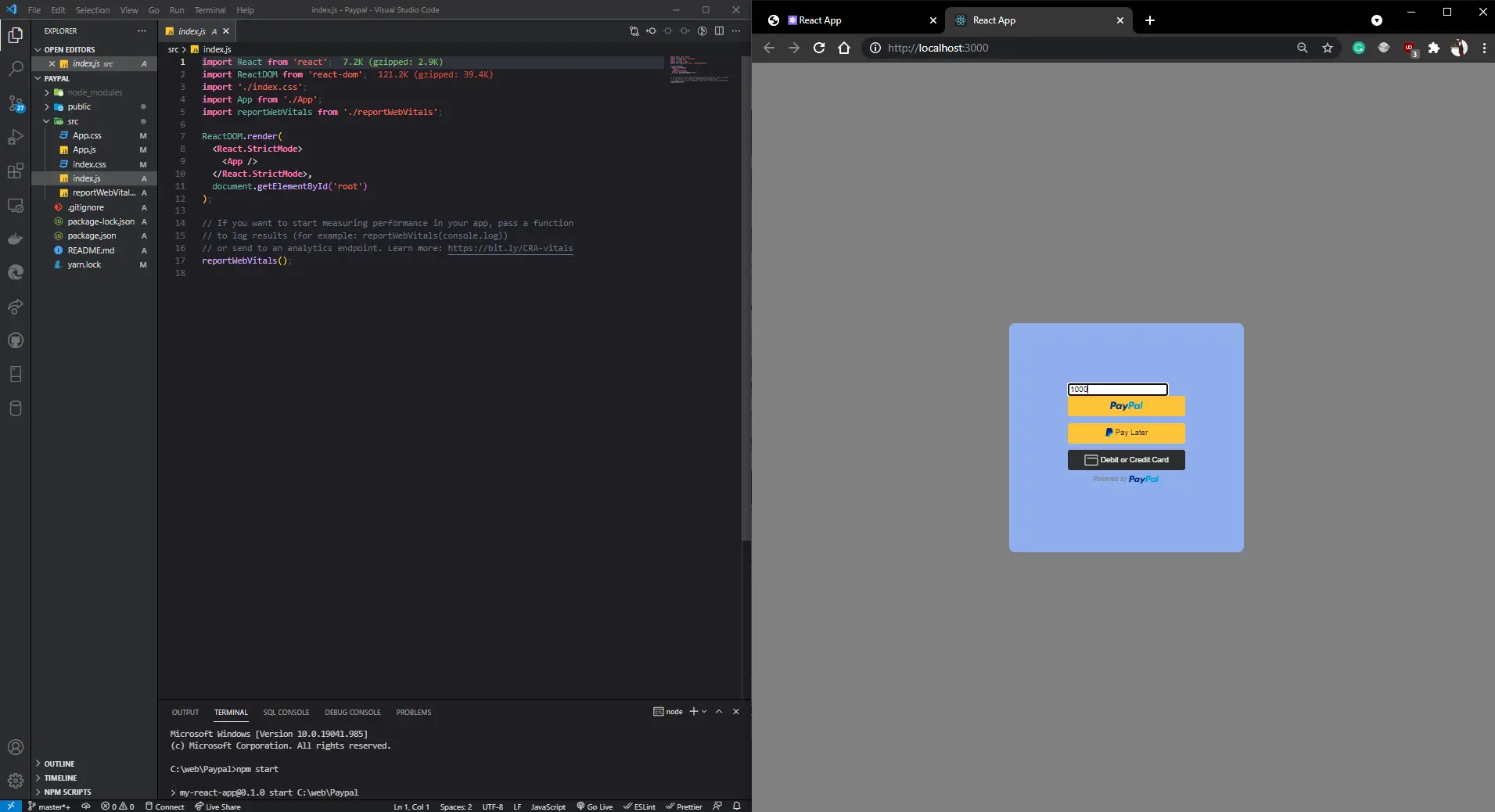
Paypal with REACT JS
Conclusion
React JS is one of the most popular technologies in web development
today and is used by thousands of developers worldwide. Its easy-to-learn nature, reusability
and
efficiency, Virtual DOM, strong community support, and compatibility make it a top choice for
building modern web applications. As technology continues to evolve, it's clear that React JS
will
continue to play a prominent role in the future of web development.

 Custom React JS Web Development Services...