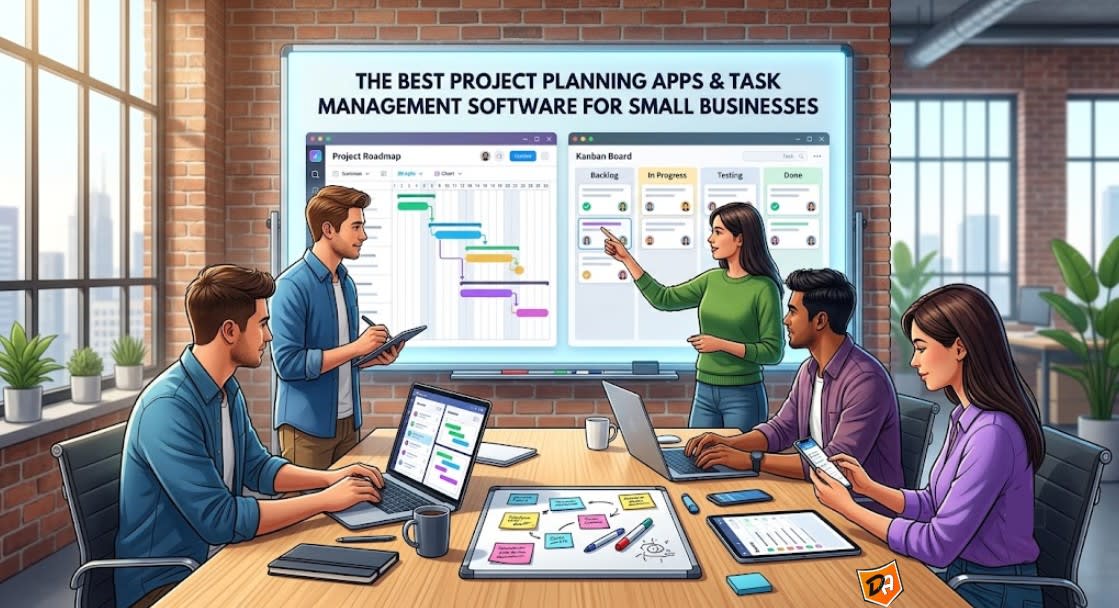
The absolute best project planning and task management apps for small businesses balance ease of use with flexible pricing, and monday.com, ClickUp, and Asana lead the industry in 2026. Selecting the right software depends heavily on your team's size, budget constraints, and current tech ecosystem. Independent business analysts like those at Forbes Advisor rank these tools based on consumer sentiment, ease of use, and customization capabilities
Top Small Business Project Management Platforms
- monday.com Work OS
- Best For: Growing businesses looking for a highly visual, easy-to-learn interface.
- Core Value: Provides sleek templates and a smooth user experience that lets new teams hit the ground running with almost zero learning curve.
- Key Advantage: Excellent for risk registers, tracking multi-department schedules, and customizing dashboards without needing a dedicated project manager.
- ClickUp
- Best For: Startups and cross-functional teams that need enterprise-grade features on a tight budget.
- Core Value: Consolidates documents, goals, chats, whiteboards, and tasks into a single platform to eliminate tool sprawl.
- Key Advantage: Offers 13 distinct task views (including Kanban, Gantt, and spreadsheet) alongside affordable paid tiers.
- Asana
- Best For: Remote and non-technical teams prioritizing collaboration and intuitive task tracking.
- Core Value: Balances ease of use with robust workflow-building, helping significantly reduce internal email clutter.
- Key Advantage: Boasts over 100 native integrations and a no-code workflow builder that automates repetitive handoffs between employees.
- Zoho Projects
- Best For: Budget-conscious businesses and existing users of the Zoho business software ecosystem.
- Core Value: Delivers powerful milestone and dependency tracking at a fraction of the cost of other specialized software.
- Key Advantage: Features built-in timesheets and billing tools that integrate directly with invoicing software to seamlessly log and bill client hours.
- Trello
- Best For: Freelancers and small teams requiring simple, visual task tracking with minimal setup.
- Core Value: Focuses purely on drag-and-drop Kanban board simplicity to keep operations clean and fast.
- Key Advantage: Free basic plan with card mirroring and unlimited third-party "Power-Up" integrations to sync with tools like Google Calendar or Slack.
| Platform | Best Identity | Standout Strength | Starting Price Hint |
|---|---|---|---|
| monday.com | Best All-Around | High visual tracking and UI | Premium tiers |
| ClickUp | Best Feature-Rich | 13+ customizable task views | Free plan / $7 user/mo |
| Asana | Best for Coordination | No-code workflow automations | Free plan / $10.99 user/mo |
| Zoho Projects | Best Value | Integrated timesheets and invoicing | Under $5 user/mo |
| Trello | Best Visual Simplicity | No-setup Kanban boards | Free plan / $5 user/mo |
Top 5 Project Management Software for Small Businesses in 2026
The top 5 project management software options for small businesses in 2026 are ClickUp, monday.com, Asana, Teamwork, and Trello. Choosing the right tool depends heavily on your specific operational style, team size, and whether you handle internal tasks or client-facing operations.
Top Project Management Platforms Compared
| Software | Best For | Standout Features |
|---|---|---|
| ClickUp | Feature density and all-in-one flexibility | Built-in docs, time tracking, deep AI customization |
| monday.com | Visual tracking and fast onboarding | Color-coded boards, live dashboards, pre-built AI Blocks |
| Asana | Clean task and workflow management | User-friendly UI, advanced task dependencies, goal alignment |
| Teamwork | Client-facing service teams and agencies | Free client access portals, integrated billing, profitability math sheets |
| Trello | Micro-teams and visual simplicity | Kanban-first layout, automated cards, minimal learning curve |
1. ClickUp
- ClickUp:
- It functions as an all-in-one work hub that eliminates the need to pay for separate documentation, chat, and tracking tools.
- The software features a robust free tier with unlimited users, making it ideal for budget-conscious startups.
- It includes built-in time tracking and extensive customization, though your team should expect a moderate learning curve during onboarding.
2. monday.com
- monday.com:
- It provides highly intuitive, color-coded visual boards that make it simple for non-technical teams to adopt the system quickly.
- The system utilizes automated "AI Blocks" to summarize project updates, detect sentiment, and categorize information instantly.
- It centralizes cross-team operations through real-time dashboards that pull live data into clean, visual progress charts.
3. Asana
- Asana:
- It delivers unmatched clarity for task execution by cleanly breaking down complex projects into sequential workflows and subtasks.
- The tool offers excellent mobile apps and structured collaboration features that keep remote or hybrid teams aligned effortlessly.
- It allows small teams of up to 10 or 15 people to utilize generous free tiers before requiring paid upgrades for advanced dependencies.
4. Teamwork
- Teamwork:
- It protects your bottom line by offering built-in profitability calculators, timesheets, and invoicing directly inside the platform.
- The software gives small businesses a dedicated, secure client portal so stakeholders can view progress and approve work without a paid seat.
- It includes resource capacity bars for each team member to prevent employee burnout and track exact project delivery times.
5. Trello
- Trello:
- It provides the fastest route to software adoption for freelancers or small teams of 1 to 3 people.
- The interface uses a clean, tactile Kanban card system that organizes project phases without the clutter of deep spreadsheets.
- It runs basic workflow automations in the background, handling recurring tasks automatically to save small business owners time.
Key Features to Look For in a Project Planning App
- Kanban Boards: Essential for tracking daily task progression using simple drag-and-drop cards.
- Gantt Charts: Crucial for tracking multi-phase timelines, project milestones, and task dependencies.
- Calendar & Table Views: Helpful for checking resource availability and quick spreadsheet-style sorting.
- Task Handoffs: Automatically reassigns a task and alerts the next person once a status changes to "Done."
- Due Date Reminders: Sends proactive notifications via email or chat apps when a deadline approaches.
- Template Engines: Allows saving successful project frameworks to launch new client initiatives in seconds.
- Contextual Comments: Allows threads, file attachments, and user @mentions inside the specific task profile.
- Shared Docs & Whiteboards: Provides real-time, multi-user brainstorming workspaces without leaving the app.
- Client Access Portals: Offers customizable permissions to let external clients view project timelines securely.
- Built-in Timers: Tracks actual hours worked versus estimated time directly on individual task cards.
- Workload Widgets: Visualizes individual member capacities to prevent burnout and uneven task distribution.
- Financial Reporting: Syncs logged hours directly to budget tracking dashboards to prevent project scope creep.
- Communication Hubs: Seamlessly pushes status updates and alerts directly into platforms like Slack or Microsoft Teams.
- File Storage: Links directly with cloud storage solutions like Google Drive or Dropbox for rapid file sharing.
- API & Webhooks: Provides open developer access for building custom connections with unique internal databases.
Choosing the Best Free and Budget-Friendly Task Management Tools
Top Free & Low-Cost Task Management Tools
- ClickUp
- Best Free Feature: Includes unlimited tasks, free collaborative whiteboards, and multiple project views (Kanban, List, Calendar).
- Budget Paid Tier: The "Unlimited" plan costs $7 per user/month and unlocks Gantt charts, resource management, and unlimited storage.
- The Catch: The free plan restricts advanced features like time tracking or automation to a limited number of uses per month.
- Trello
- Best Free Feature: Offers unlimited workspace members and up to 10 collaborative Kanban boards with unlimited third-party integrations.
- Budget Paid Tier: The "Standard" plan costs $5 per user/month, adding advanced checklist items, custom fields, and extra file storage.
- The Catch: The interface is strictly visual Kanban boards, making it a poor choice for complex, multi-layered workflows.
- Asana
- Best For: Small teams (up to 10 users) that need basic list views, calendar schedules, and clean collaboration.
- Budget Paid Tier: The "Starter" plan costs $10.99 per user/month, opening up the workflow builder and timeline tracking.
- The Catch: Asana's paid plans are noticeably more expensive than competitors, making upgrades painful for tight budgets.
- Zoho Projects
- Best Free Feature: Supports up to 3 users and 2 active projects with simple task management and basic file attachments.
- Budget Paid Tier: The "Premium" plan costs under $5 per user/month, giving you full Gantt charts and automated task triggers.
- The Catch: The visual design feels dated compared to slick platforms like monday.com or ClickUp.
| Platform | Free User Limit | Key Free Inclusion | Paid Upgrade Cost |
|---|---|---|---|
| ClickUp | Unlimited | Whiteboards & Docs | $7 / user/mo |
| Trello | Unlimited | 10 Boards & Integrations | $5 / user/mo |
| Asana | Max 10 users | Unlimited tasks & logs | $10.99 / user/mo |
| Zoho Projects | Max 3 users | Basic custom tracking | $4 - $5 / user/mo |
Conclusion
Choosing the best project planning and task management software for a small business in 2026 hinges on balancing ease of use, budget, and essential features. While platforms like monday.com, ClickUp, and Asana lead with robust offerings, the ideal solution ultimately depends on a team's specific size, workflow complexity, and integration needs. Prioritizing dynamic project views, automation, collaboration tools, and strong third-party integrations will ensure high adoption and efficient project delivery.