

Landing your first IT support job requires a balance of foundational technical skills, validated credentials, and exceptional customer service abilities. For entry-level help desk and tech support roles, hiring managers frequently prioritize communication skills and problem-solving mentalities over decades of deep engineering experience
- Core Operating Systems: Master the basics of Windows, macOS, and Linux. Learn to manage user accounts, map network drives, configure system settings, and update software.
- Ticketing Systems: Familiarize yourself with industry-standard ticketing systems like ServiceNow or Jira. Practice writing clear, descriptive work notes and tracking issues to satisfy Service Level Agreements (SLAs).
- Command Line Competency: Learn basic command prompt utilities. Use
ipconfigto verify IP configurations,pingto test network connectivity, andnslookupfor DNS troubleshooting. - Directory Services: Understand user administration within Active Directory and Microsoft 365, which are standard in enterprise environments.
- CompTIA A+: Widely considered the gold standard entry-level certificate, covering hardware, basic networking, operating systems, and security troubleshooting.
- Google IT Support Professional Certificate: A highly accessible, hands-on program that teaches help desk fundamentals, network protocols, and customer service.
- ITIL 4 Foundation: Validates your understanding of IT service management frameworks and corporate lifecycle environments.
- Set Up a Home Lab: Install hypervisors like VirtualBox or VMware Player. Spin up virtual machines running different operating systems to break and fix configurations safely.
- Document Everything: Write clear, step-by-step guides for the labs you build. This builds your technical writing skills and proves your thoroughness to hiring managers.
- Keep it Concise: Restrict your document to a clean, single-page format.
- Prioritize Your Credentials: Place your certifications, technical skills, and home lab projects near the top.
- Highlight Soft Skills: Emphasize previous customer-facing achievements. Translate retail, hospitality, or call center roles into proof of conflict resolution and time management.
- Emphasize the Customer: When asked how to resolve an issue, always address the user's frustration first. Show empathy and maintain a calm, polite demeanor.
- Explain Your Logic: If you do not know the answer to a technical question, do not guess. Walk the interviewer through your logical troubleshooting steps and explain how you would search for the solution or utilize internal documentation.
How to Develop a Resume that Stands Out when it comes to IT Support
To stand out in a competitive IT support hiring pool, your resume must instantly prove two things: you can solve technical problems and you know how to treat users with empathy.
- Contact Information: Include your name, phone number, professional email, LinkedIn URL, and city/state.
- Professional Summary: Write a brief, 3-sentence hook. State your target role, years of experience (or passion for tech), and top soft skill.
- Technical Skills Matrix: Create a categorized grid. Group your skills by Operating Systems, Networking, Hardware, and Ticketing Tools.
- Certifications: List active credentials prominently. Include the full certification name and the issuing organization.
- Lead with Action Verbs: Start every bullet point with powerful tech verbs like resolved, deployed, configured, optimized, migrated, or provisioned.
- Quantify Your Success: Use real metrics to show your efficiency. State how many tickets you closed, your customer satisfaction scores, or your resolution times.
- Translate Non-Tech Experience: Frame past retail, hospitality, or customer service roles as valuable help desk preparation by focusing on communication and conflict resolution.
|
[EXAMPLE WORK HISTORY ENTRIES] IT Support Technician | Apex Solutions 2024 – Present Customer Service Representative | Target 2022 – 2024 |
- Active Directory Lab: Document how you set up a Windows Server VM, created user groups, reset passwords, and managed Group Policy Objects (GPOs).
- Virtualization Project: Detail how you configured hypervisors like Oracle VirtualBox to run isolated testing environments for Linux and Windows subsystems.
- Ticketing System Trial: Mention setting up a free developer instance of ServiceNow or Zendesk to practice generating, routing, and closing mock support tickets.
- Use Standard Headings: Stick to predictable titles like "Professional Experience," "Education," and "Technical Skills."
- Mirror the Job Description: Read your target job posting carefully. If it lists "Active Directory," "LAN/WAN," or "Office 365," use those exact words on your resume.
- Keep Formatting Simple: Avoid complex graphics, tables, charts, and dual-column layouts. These elements frequently scramble ATS parsing software. Use a clean, single-column Word or PDF file.
Learning the IT Support Job Interviews
The interview preparation tips provided by Davidayo will assist you in passing IT support interview preparation with flying colors. To land an IT support job, you must master the interview process. Interviews generally consist of a quick recruiter screening, followed by a hiring manager interview that tests both your technical logic and customer service skills
- The Angry User: Question: "How do you handle a user shouting at you because their computer crashed?"
- Answer Formula: Validate their frustration. Let them vent without interrupting. Reassure them you will fix it. Focus on the person first, then the machine.
- Prioritization Conflicts: Question: "The CEO's printer is jammed, and the accounting department's local network is down. Which do you fix first?"
- Answer Formula: Assess the business impact. The network outage affects multiple employees and operations, so it takes priority. Communicate politely with the CEO's assistant to set expectations.
- Network Connectivity: Question: "A user says they cannot access the internet. What do you do?"
- Answer Formula: Start at Layer 1 (physical). Check if the ethernet cable is plugged in or Wi-Fi is on. Next, use the command line: run
ipconfigto check the IP address,ping 8.8.8.8to check external connectivity, andping google.comto test DNS.
- Answer Formula: Start at Layer 1 (physical). Check if the ethernet cable is plugged in or Wi-Fi is on. Next, use the command line: run
- Account Failures: Question: "A user is locked out of their account. Walk me through the resolution."
- Answer Formula: Verify the user's identity first for security. Open Active Directory or Microsoft 365 Admin Center. Check for a locked status, click unlock, and reset the password if necessary. Force a password change at the next login.
- The Infinite Loop: Question: "A computer keeps rebooting into a Blue Screen of Death (BSOD). How do you diagnose it?"
- Answer Formula: Boot the computer into Safe Mode. Check Event Viewer for critical system error logs. Roll back recent hardware drivers or Windows updates that might have triggered the crash
- The "I Don't Know" Framework:
- Acknowledge that you have not encountered that specific issue yet.
- Explain your immediate resource path: search the internal company knowledge base.
- Detail external research steps: look up official vendor documentation or Microsoft community forums.
- Escalate properly: if stuck, document your findings and escalate to a Tier 2 technician.
- "What ticketing system and remote management tools does your team use daily?" (Shows you want to visualize the workflow)
- "How do you measure success for a technician in their first 90 days?" (Shows you are goal-oriented)
- "What is the most common recurring technical issue your team faces right now?" (Shows you want to solve their immediate pain points)
When we talk about IT roles, what are the effective strategies to find a good job?
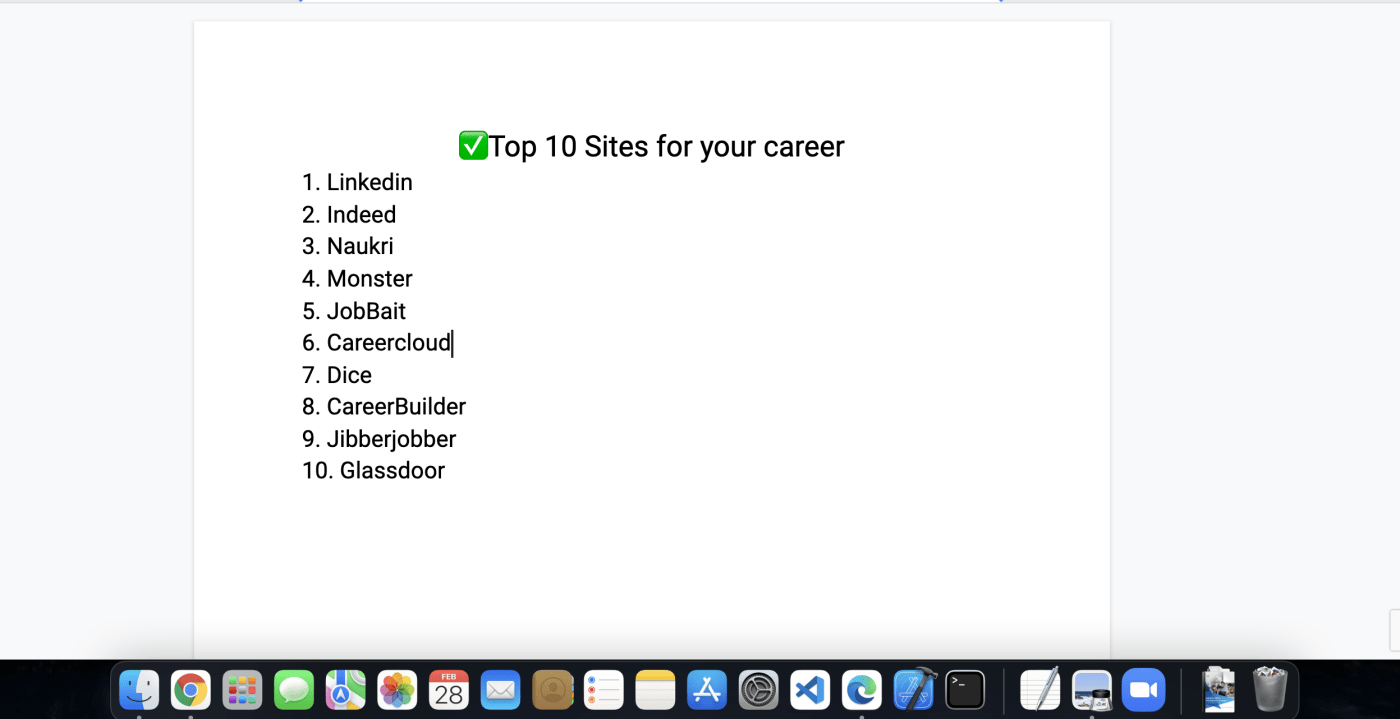
Using Davidayo's job hunting tips, you will be guided to the best job application resources such as LinkedIn, and Indeed, which have numerous IT support jobs. To secure a high-quality IT role, you must look beyond standard job boards like Indeed and LinkedIn. A truly effective job search combines strategic positioning, targeted networking, and direct employer engagement.
- Turn on LinkedIn Open to Work: Set your preferences to "Recruiters Only" if you want to stay private, and add explicit titles like IT Support Specialist, Help Desk Technician, or Network Administrator.
- Keyword-Stuff Your Profile: Place industry-standard terms (e.g., Active Directory, DNS, DHCP, ServiceNow, SaaS, CyberSecurity) in your headline, about section, and skill tags.
- Publish Your Home Labs: Link your GitHub repository, a personal blog, or a basic portfolio site to your LinkedIn profile. Showcasing documentation of your tech projects serves as immediate proof of competence.
- Build a "Dream List": Identify 20 to 30 mid-sized local companies, managed service providers (MSPs), or tech firms where you want to work.
- Target Hiring Managers: Use LinkedIn to search for the IT Director, IT Manager, or Help Desk Lead at those specific target companies.
- Send a Warm Outreach Message: Message them directly. Avoid asking for a job immediately; instead, ask for a brief 10-minute informational interview about their team's technology stack or their career path
- Join Tech Slack & Discord Communities: Communities like r/sysadmin, IT Career Questions, or local city tech slacks frequently have channels dedicated to job leads and referrals.
- Target Managed Service Providers (MSPs): MSPs handle IT for dozens of external clients. They experience constant turnover at the entry-level and are almost always hiring hungry, adaptable technicians.
- Attend Technical Meetups: Go to local user groups focused on specific technologies, such as AWS User Groups, Linux User Groups, or DefCon/Spiceworks local chapters.
- Identify Reputable IT Staffing Firms: Research prominent tech agencies like Robert Half Technology, Teksystems, Insight Global, or local boutique IT placement firms.
- Treat Agency Screenings Seriously: Treat a chat with an agency recruiter like a real interview. If they trust your communication and technical logic, they will aggressively pitch you to multiple clients.
- Be Open to Contract-to-Hire: Do not ignore short-term or contract roles. In IT, a 3-month contract is an excellent way to get enterprise enterprise-level experience onto your resume quickly.