Everyone’s arguing about which AI agent is the best right now — Claude Code, Codex, OpenClaw, Hermes… the list keeps growing. But honestly? That’s the wrong debate.
Out of the box, most of these agents are just fancy chatbots sitting in a terminal. They can talk, they can reason, they can even write decent code. But the moment you need them to do real work — manage GitHub, browse the web, remember past conversations, pull clean data, or connect to other apps — they fall short.
The real difference between a toy and a useful system is the tools you connect to it.
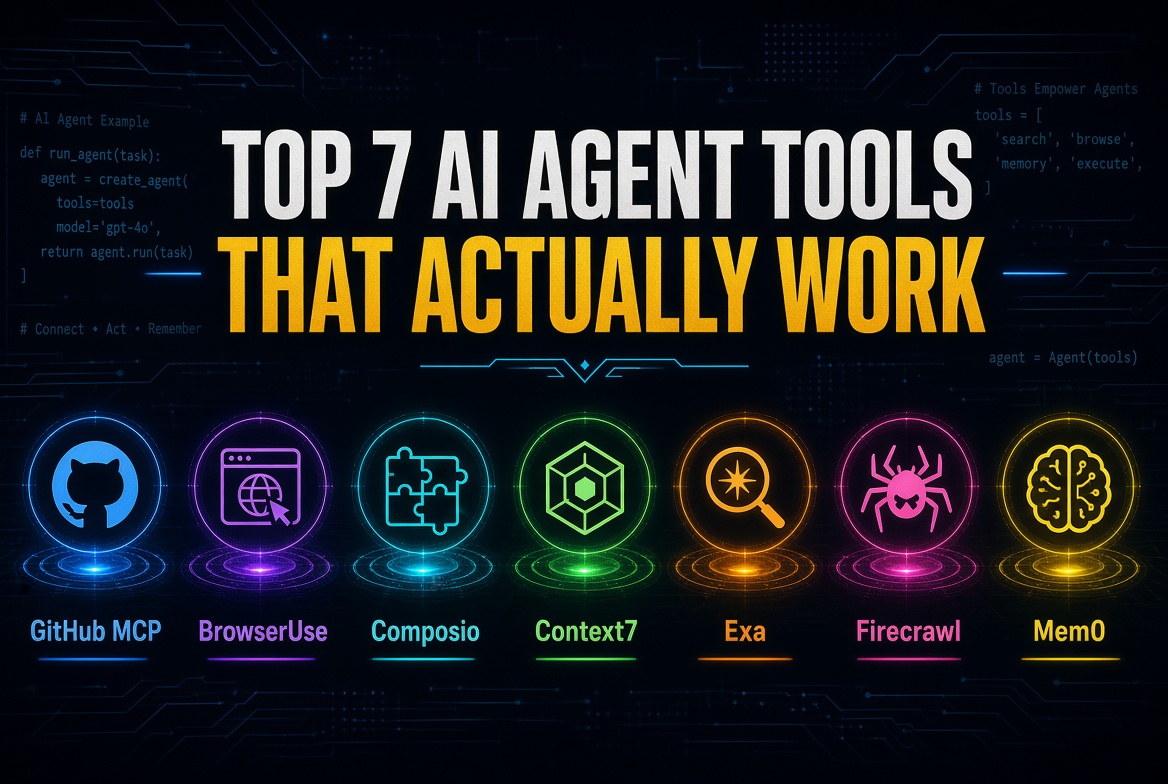
I’ve been testing AI agents daily, and these are the seven tools I actually keep coming back to. They’re practical, they work, and they make agents significantly more useful.
1. GitHub MCP
If your agent writes code (and most of them do), it needs a proper way to handle GitHub.
GitHub MCP lets the agent create repositories, open pull requests, check issues, leave comments, and manage your projects without you constantly jumping in. It’s one of those tools that quietly removes a lot of friction.
2. BrowserUse
Agents are still surprisingly bad at real web interaction.
BrowserUse fixes that by giving your agent its own browser — or letting you hand a task off to a remote browser agent. It can fill forms, navigate dashboards, handle dynamic pages, and work even when your agent is running on a headless server. This one feels like a proper upgrade.
3. Composio
Instead of writing custom connectors for every app you want your agent to use, Composio gives you a clean way to connect to hundreds of services through a single interface.
It’s one of the easiest ways to expand what your agent can actually touch without turning your setup into a mess of custom code.
4. Context7
Coding agents love to invent documentation.
Context7 helps them pull accurate, up-to-date docs instead of guessing. It’s a small but meaningful improvement in reliability, especially when the agent is working with newer libraries or frameworks.
5. Exa
Basic web search is often noisy and incomplete.
Exa is built specifically for AI use cases. It returns cleaner, more relevant results, which makes a noticeable difference when your agent needs to research something quickly and accurately.
6. Firecrawl
Scraping websites and turning them into clean, usable data is still harder than it should be.
Firecrawl does this job well. It converts pages into clean markdown or structured data that language models can actually work with, without all the usual garbage that comes with traditional scrapers.
7. Mem0
Most agents forget everything the moment the conversation ends.
Mem0 gives them long-term memory. It can remember preferences, past decisions, project context, and important details across sessions. This is one of the biggest leaps toward making agents feel less like temporary tools and more like ongoing collaborators.
A Quick Note on Tool Overload
There’s a temptation to connect everything. Don’t. Too many tools can actually make the agent worse. Every tool gets loaded into context, and too much choice often leads to confusion or wrong tool selection. Stick to the ones that solve real problems you face regularly.
Final Thoughts
The agent itself matters, of course. But the gap between a demo and something you actually rely on is almost always in the tools.
These seven — GitHub MCP, BrowserUse, Composio, Context7, Exa, Firecrawl, and Mem0 — are the ones that consistently deliver in daily use. They’re not flashy for the sake of it. They just work.
If you’re building with AI agents right now, start here. Add what you need, ignore the rest, and focus on making the agent useful instead of just impressive.