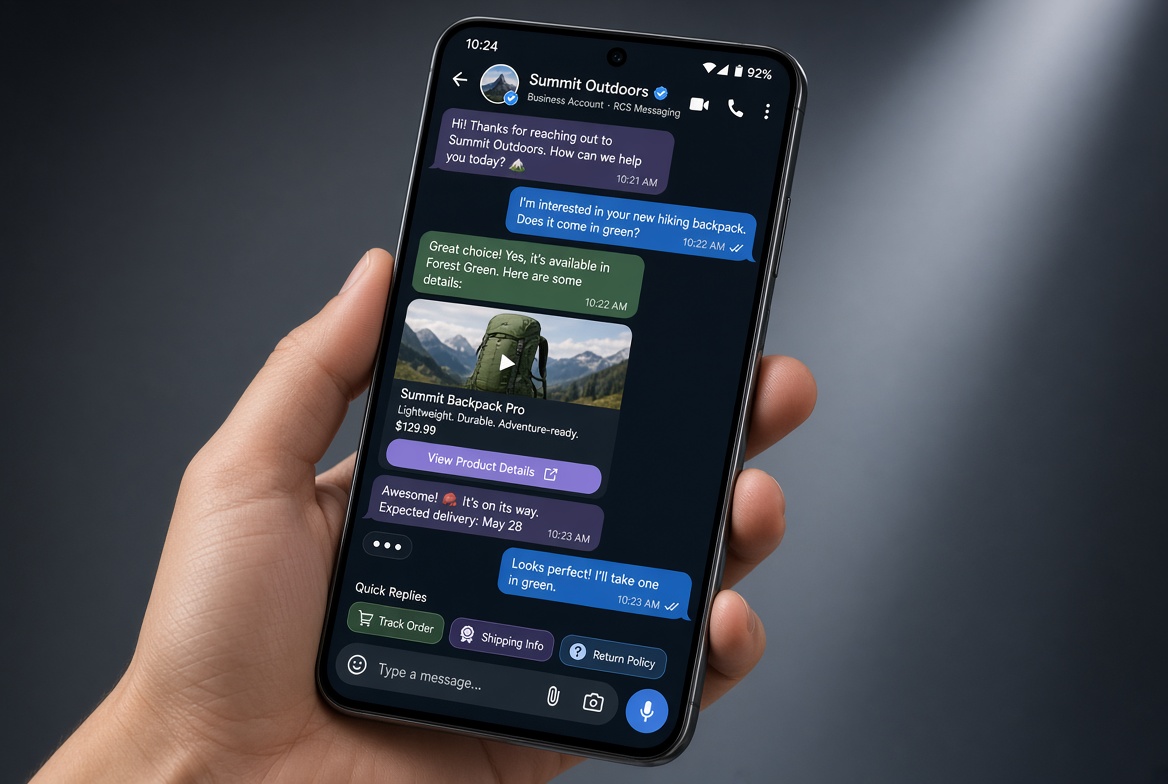
Choosing the right SMS/MMS client can make everyday texting faster, safer, and more fun. Finding the right text messaging app can completely change how you chat with friends, family, and coworkers every single day. While most Android phones come with a default app right out of the box, exploring third-party options unlocks better customization, cross-device syncing, and heightened privacy.
Why the Right Messaging App Matters
Android phones let you install any messaging client, but not all apps are created equal. The best app should:
- Support RCS (Rich Communication Services) for chat‑like features.
- Offer end‑to‑end encryption for private conversations.
- Be lightweight and not drain battery.
- Provide options (themes, bubble styles, quick replies).
- Integrate smoothly with contacts and other Google services.
Top Android Messaging Apps (2026)
1. Google Messages
The default SMS app on most Android 13+ devices. It’s the reference implementation for RCS, offers a clean UI, and now includes built‑in AI‑powered Smart Reply.
Google Messages – native Android experience.
“If you want the most seamless RCS experience, Google Messages is the only sensible choice.” – Android Authority, Jan 2026
2. Signal Private Messenger
Best for privacy‑focused users. All SMS/MMS traffic is sent via Signal’s encrypted server, and the app supports End‑to‑End Encryption for both SMS (via Signal SMS) and its own chat protocol.
- Self‑destructing messages
- Screen security (blur on screenshot)
- Open‑source codebase
3. Textra SMS
A long‑standing favorite for customisation. Offers over 200 themes, bubble shapes, and a powerful quick‑reply system.
Pros: fast, low‑memory footprint, extensive widget support.
4. Pulse SMS (now Pulse+)
Features cross‑device sync via a paid subscription, allowing you to send/receive messages from a web browser or desktop app.
Ideal for users who type on a PC or tablet.
5. WhatsApp (for SMS‑like experience)
While primarily an internet messenger, WhatsApp now supports SMS fallback in regions where data is limited, making it a hybrid solution.
Feature‑by‑Feature Comparison
| Feature | Google Messages | Signal | Textra | Pulse+ | |
|---|---|---|---|---|---|
| RCS Support | ⭐️⭐️⭐️⭐️⭐️ | ⭐️⭐️⭐️ | ⭐️⭐️⭐️ | ⭐️⭐️ | N/A (Internet) |
| End‑to‑End Encryption (SMS) | No | Yes | No | No | Yes (Internet only) |
| Customization (Themes/Widgets) | Limited | Minimal | Extensive | Moderate | None |
| Cross‑Device Sync | Web (Messages for Web) | Desktop app (Signal Desktop) | None | Yes (Pulse+ Cloud) | Yes (WhatsApp Web) |
| Battery Impact | Low | Low‑Medium | Very Low | Low | Medium (data usage) |
| Price | Free | Free | Free + $1.99 premium | Free trial, $4.99/yr | Free |
Frequently Asked Questions
1. Can I use multiple messaging apps at once?
Yes. Android allows you to set a “default” SMS app, but you can still open other apps for specific contacts or purposes. Some apps (e.g., Signal) can act as a secondary client without interfering with the default.
2. Is RCS safe for sensitive data?
RCS encrypts messages in transit between carriers that support it, but It's not end‑to‑end encrypted. For truly private chats, use Signal or WhatsApp’s encrypted mode.
3. Do any of these apps work without a data plan?
All SMS‑based apps (Google Messages, Textra, Pulse+) work over the cellular network. Signal’s encrypted SMS mode also works without data, though it requires a Signal account.
Which App Should You Choose?
There is no one‑size‑fits‑all answer, but here’s a quick rule‑of‑thumb:
- Best overall experience: Google Messages – seamless RCS, clean UI, free.
- Best for privacy: Signal Private Messenger – end‑to‑end encryption for both SMS and internet chats.
- Best for customization: Textra SMS – themes, bubbles, and fast performance.
- Best for cross‑device work: Pulse+ – cloud sync and desktop client.
Try the free versions first; most premium features are optional upgrades.