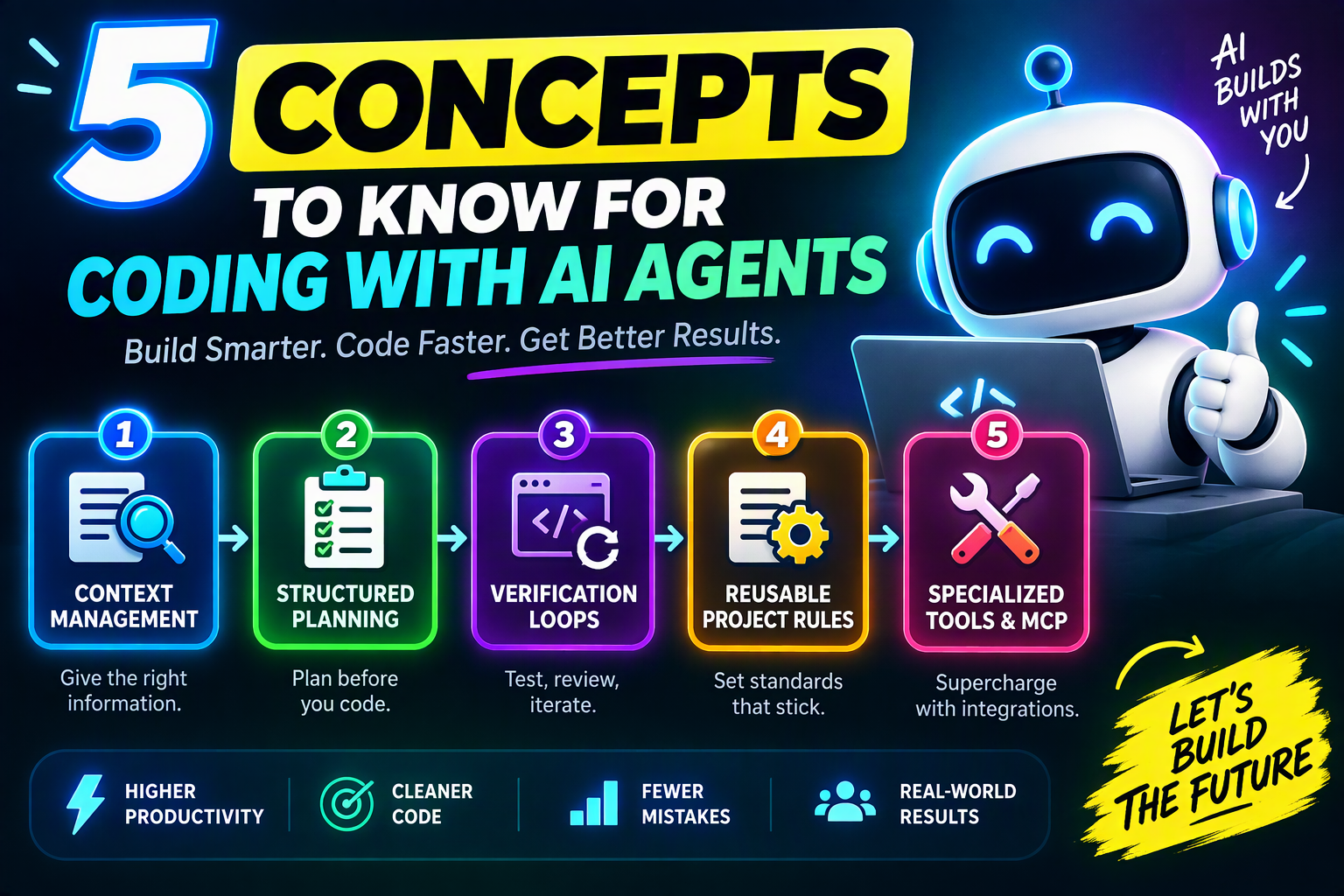
AI coding agents are transforming software development, but many developers still struggle with problems like forgotten instructions, incomplete implementations, broken code, and unexpected changes. The solution isn't switching models. It's understanding the fundamental concepts that power effective AI-assisted development.
In this guide, you'll learn the five essential concepts behind successful AI agent workflows and how they can help you build software faster, more accurately, and with fewer frustrations.
Table of Contents
- 1. Context Management
- 2. Structured Planning
- 3. Verification Loops
- 4. Reusable Project Rules
- 5. Specialized Tools & MCP
- Final Thoughts
Why AI Coding Agents Sometimes Fail
Most complaints about coding agents sound familiar:
- The AI forgot previous instructions.
- It claimed the task was finished when nothing worked.
- It changed files that weren't part of the request.
- It lost track of project requirements.
- It introduced new bugs while fixing old ones.
These issues rarely happen because the AI is unintelligent. Instead, they usually occur because developers fail to manage context, planning, verification, rules, and tooling effectively.
1. Context Management Is Everything
AI agents don't possess unlimited memory. Every model operates within a context window containing files, conversations, instructions, and outputs. As projects grow, older information can become less accessible or eventually disappear from the active context.
Why It Matters
When an AI agent loses important context, it may ignore requirements, repeat mistakes, or produce inconsistent code.
Best Practices
- Keep tasks focused and manageable.
- Break large projects into smaller milestones.
- Provide concise requirements before coding begins.
- Remove unnecessary information from conversations.
- Store important project knowledge in documentation files.
"The quality of AI output depends heavily on the quality and availability of context."
2. Structured Planning Reduces Mistakes
One of the biggest mistakes developers make is asking an AI agent to immediately start coding. Successful projects begin with a clear plan.
By requiring the AI to think through implementation steps before writing code, you dramatically reduce confusion and unnecessary changes.
Benefits of Planning First
- Improves architectural consistency.
- Reduces hallucinated features.
- Identifies missing requirements early.
- Creates a roadmap for implementation.
- Makes code reviews easier.
Pro Tip: Ask your AI agent to create a detailed implementation plan before generating code.
3. Verification Loops Create Reliable Code
AI-generated code should never be accepted blindly. Verification loops help ensure that generated solutions actually work.
An effective agent workflow includes testing, reviewing output, analyzing failures, and iterating until the implementation meets requirements.
Verification Workflow
- 1. Generate the code.
- 2. Run tests.
- 3. Review results.
- 4. Identify issues.
- 5. Improve and retest.
This simple cycle can dramatically increase trust in AI-generated work.
4. Establish Reusable Project Rules
Every project has standards. Coding conventions, folder structures, framework choices, naming patterns, and testing requirements should be documented and reused.
Instead of repeating instructions during every session, create a set of permanent project rules that guide agent behavior.
Examples of Useful Rules
- Always write tests for new features.
- Follow TypeScript strict mode.
- Use descriptive variable names.
- Never modify production configuration files.
- Document public APIs.
Consistent rules help agents produce predictable and maintainable code.
5. Use Specialized Tools and MCP Integrations
Modern AI agents become significantly more capable when connected to external tools. Instead of relying solely on model knowledge, agents can retrieve information, inspect files, run commands, and interact with development environments.
Advantages of Tool Use
- Access to real project files.
- Automated testing.
- Codebase navigation.
- Documentation retrieval.
- Improved decision making.
Specialized tools allow AI agents to move beyond autocomplete and become true development assistants.
The Future of Software Development
AI agents are changing how software is built. Developers who learn effective context management, planning strategies, verification processes, reusable rule systems, and tool integrations will gain a significant productivity advantage.
The goal isn't replacing developers. The goal is augmenting human problem-solving with intelligent systems that can accelerate execution while maintaining quality.
Key Takeaways
The difference between a frustrating AI coding experience and a highly productive one often comes down to these five concepts:
- 1. Context Management
- 2. Structured Planning
- 3. Verification Loops
- 4. Reusable Project Rules
- 5. Specialized Tools & Integrations
Master these principles and you'll spend less time fixing AI mistakes and more time shipping software that works.
What's Your AI Agent Workflow?
Are you using Cursor, Claude Code, Copilot, Windsurf, OpenHands, or another AI coding assistant? Which of these five concepts has improved your workflow the most? Share your experience in the comments and help other developers learn what works in real-world projects.
If you're exploring the future of agentic development, check out our guides on AI software development trends, AI coding tools, and building AI agents.
Frequently Asked Questions
1. What is an AI coding agent?
An AI coding agent is a system that can analyze files, run tools, execute commands, evaluate results, and iteratively work toward a goal.
2. Why do AI agents forget instructions?
Most forgetting issues occur because important information leaves the active context window.
3. Are AI coding agents replacing developers?
No. They are productivity tools that can enhance development workflows when used correctly.